Photography, lighting & staging craft
Smartphone vs Pro Photographer Photos for AI Virtual Staging: Resolution & Lens Guide
By StageRender AI · Real-estate virtual staging & layout comparisons
Published · Updated
Agents often assume AI virtual staging requires expensive architectural camera gear—yet an uncluttered smartphone frame taken level at chest height frequently outperforms poorly processed ultra-wide real-estate shots. Understanding where DSLR HDR shines and where clean mobile framing suffices helps teams prep pre-listing previews and public galleries efficiently.
Why lens width matters more than megapixel count
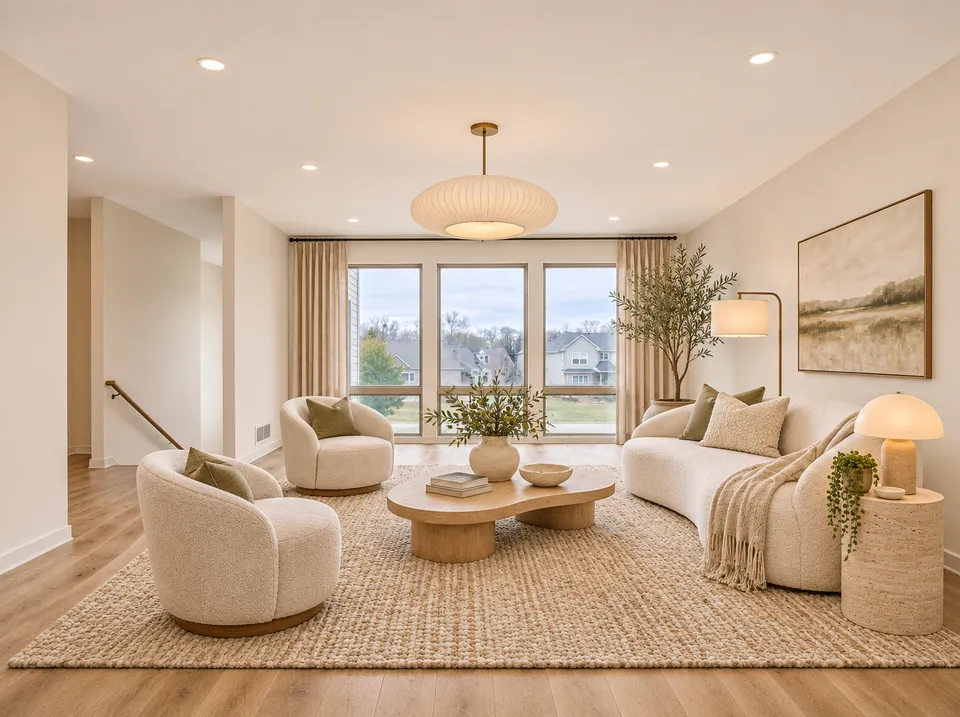
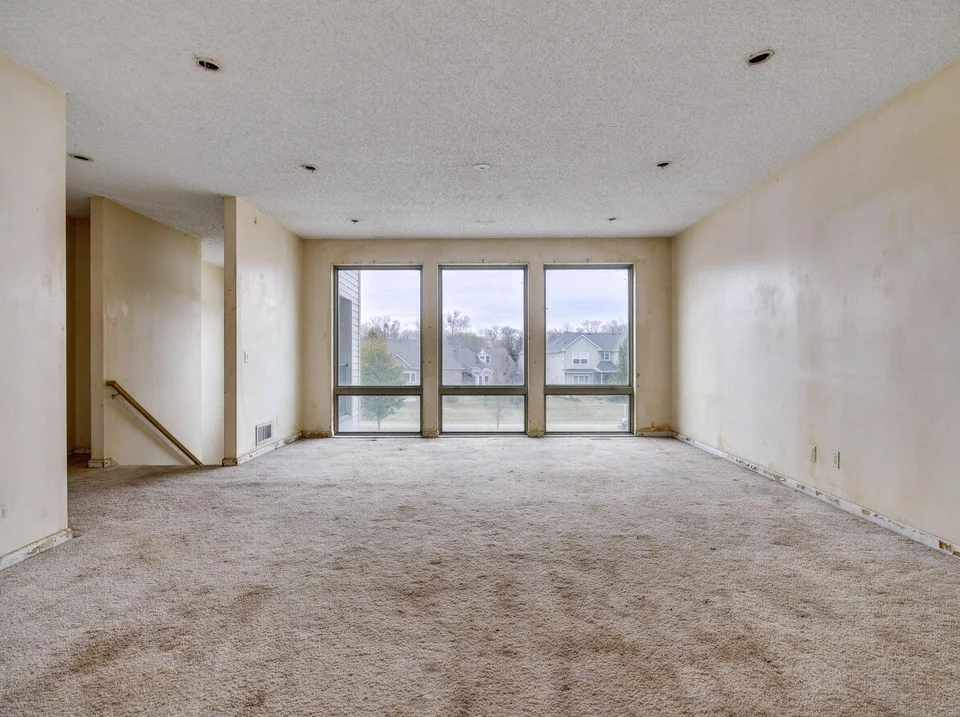
Empty living room → Modern Organic bouclé & white oak staging
A curved cream bouclé sofa, sculpted white oak coffee table, woven wool rug, and potted olive tree add warmth while preserving floorboards, trim, and window lines.
Illustrative AI virtual staging on a reference empty living room · Verify room dimensions physically & follow local MLS disclosure rules · 2026-11-21
Now test this style on your own room
Start with a level chest-height photo of an empty or cleared room.
StageRender AI automatically resizes valid JPG, PNG, or WebP uploads to a longest side of at most 1536 pixels before generation—meaning 48 MP raw phone sensors and 24 MP DSLR brackets enter the model at clean matching visual density.
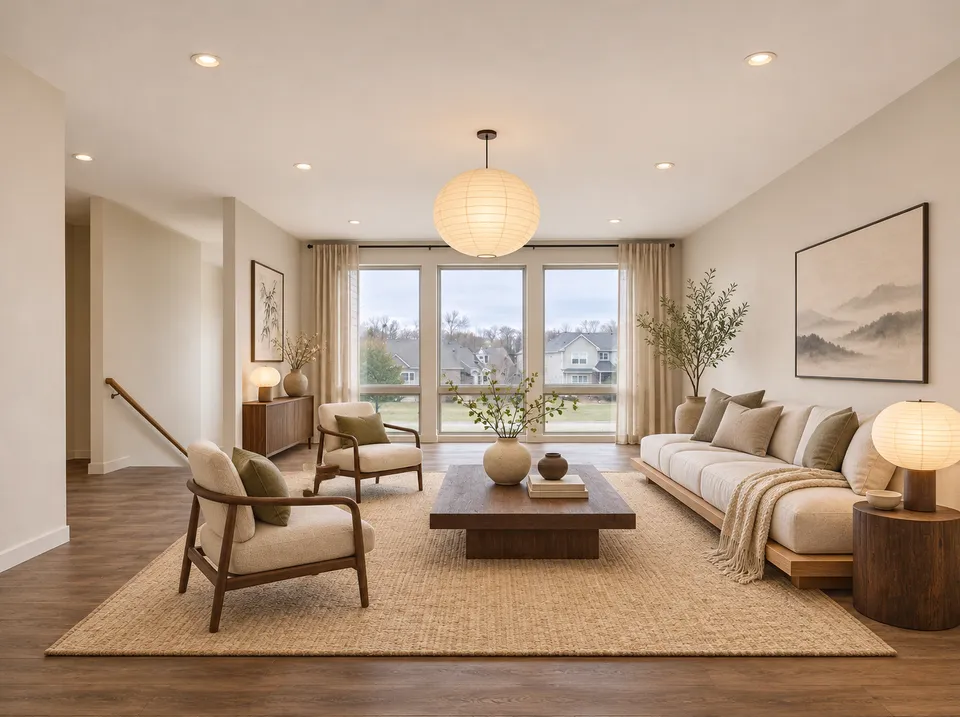
Empty living room → Japandi Calm low oak platform & ceramic decor
Low-profile solid oak seating and intentional negative floor space emphasize calm architectural proportions across open sightlines.
Illustrative AI virtual staging on a reference empty living room · Verify room dimensions physically & follow local MLS disclosure rules · 2026-11-21
Where source photos diverge sharply is wide-angle barrel distortion: - Extreme 11mm–14mm rectilinear lenses make nearby corners stretch like boat prows; virtual coffee tables and rugs seated near frame edges then absorb exaggerated perspective elongation. - Smartphone 0.5x ultrawide lenses bend vertical wall baseboards subtly along left/right borders, creating warped sofa bases during placement. - Standard 1x smartphone sensors (~24mm–26mm equivalent) or crisp 16mm–20mm full-frame real-estate primes produce clean rectangular perspective lines ideal for natural contact shadows.
Smartphone vs Pro Real-Estate Photographer comparison
| Staging Workflow Scenario | Smartphone (1x or clean 0.7x) | Pro Architectural / HDR Bracket |
|---|---|---|
| Seller pre-listing pitch & style shortlist | Ideal: instant capture during walkthrough | Unnecessary wait before signing agreement |
| High-contrast sunny waterfront or dark wood room | Struggle if sun blows glass white; tap mid-floor to meter | Excels cleanly—multi-exposure blends retain window views |
| Long-term rental refresh or rapid relist | Fast, practical, and accurate when leveled | Nice-to-have when existing MLS deck exists |
| Upper-tier MLS hero gallery | Viable only in flat daylight on tripod/gridlines | Best choice: crisp vertical alignment + true color white balance |
Exporting cleanly without compression blur
Never pull low-res screenshots compressed via WhatsApp or SMS text back into StageRender AI. Export original JPG, PNG, or WebP files up to 20 MB (converting iPhone HEIC photos to JPG first on your device), keep corners straight per our staging photo tips, and archive unedited originals alongside every staged concept.
Further staging reading
- Real Estate Staging Association (RESA)Perspective fidelity and lens distortion guidelines for digital staging.